Shift types
Where can you find shift types?
You can find shift types under:
Admin - Plan - Shift types
Here you can create and maintain the shift types used for planning.
What are shift types used for?
Shift types can be used to:
- distinguish between different shifts, such as day, evening, and night shifts
- trigger specific calculation rules, such as rules for night shifts
- filter shift requests for employees in My Capitech
- color-code shifts in the operational plan and shift rotations
Shift types and calculation rules
Shift types can be used as a basis for specific calculation rules.
A common example is treating night shifts differently from day shifts, such as when calculating compensation or working hours.
If you need new or updated calculation rules based on shift types, these must be assessed against your setup. Please contact support@capitech.no for changes in your setup.
Shift types and shift requests in My Capitech
Shift types can also be used to filter shift requests for employees in My Capitech.
This can be useful if employees should only be able to view or request specific types of shifts, such as day, evening, or night shifts.
Shift colors in the operational plan
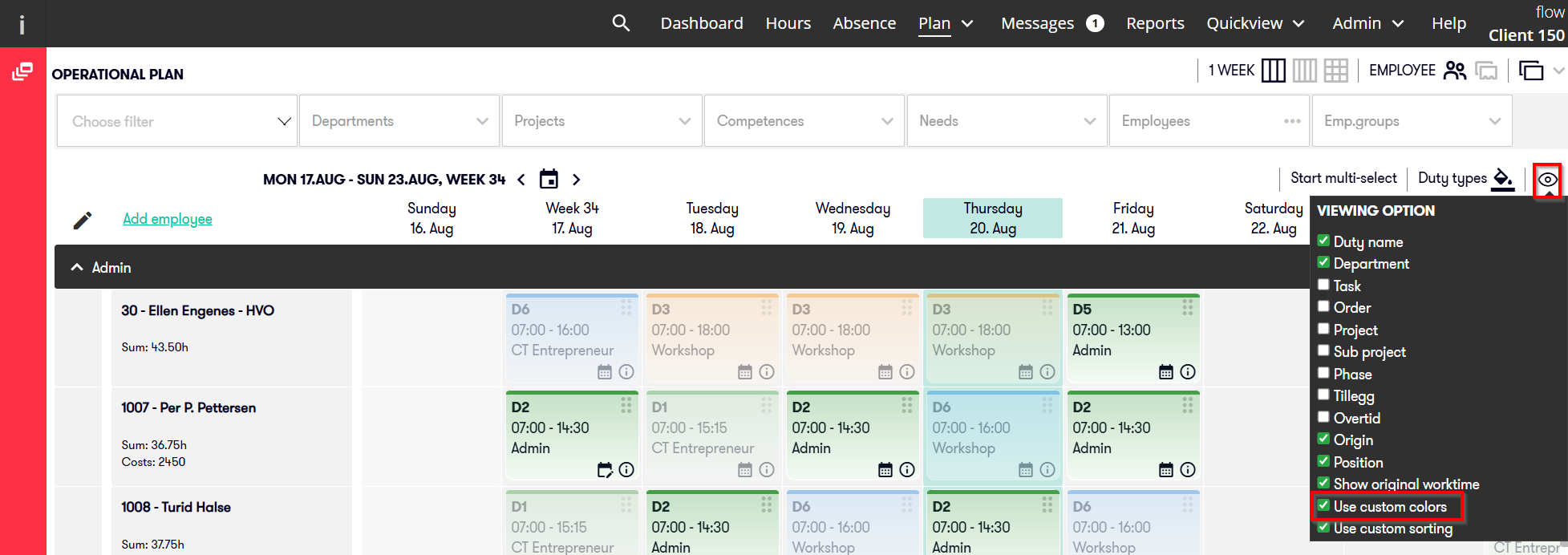
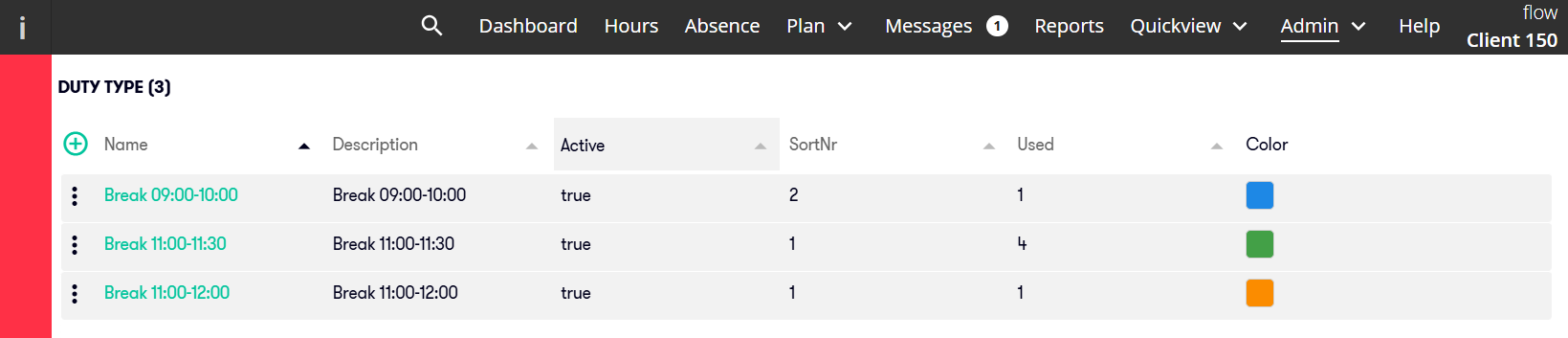
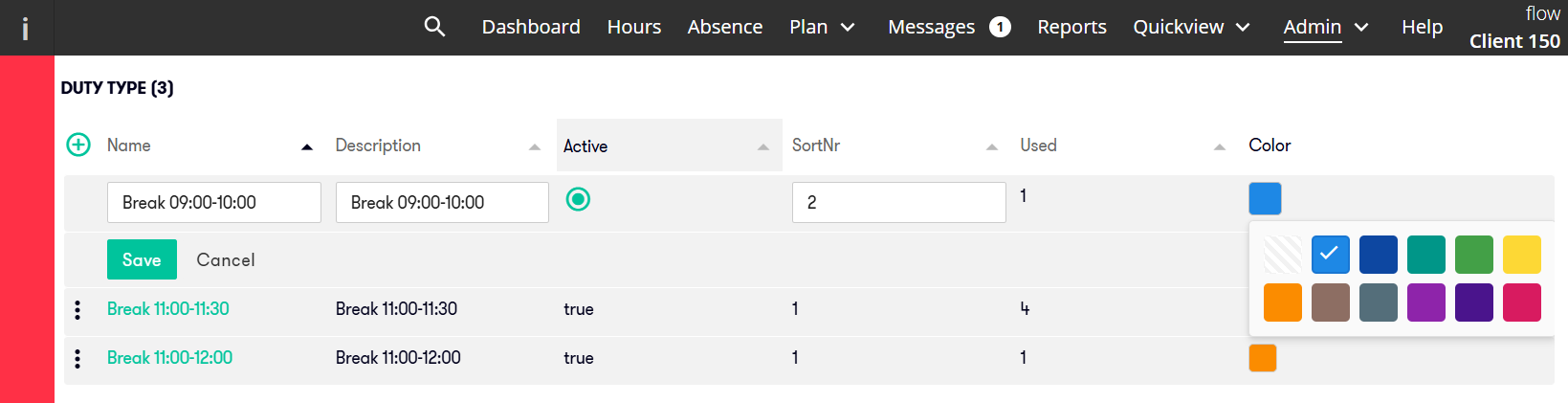
You can select colors for shift types and enable these colors in the operational plan.
This makes it easier to see the different types of shifts in the plan across employees and dates.
For example:
- day shifts can be shown in blue
- evening shifts can be shown in orange
- night shifts can be shown in purple
You can add colors to shift types under:
Admin - Plan - Shift type
To display the colors in the operational plan, you must enable them under viewing options.