
Registering time on a Touch terminal
What is a Touch terminal?
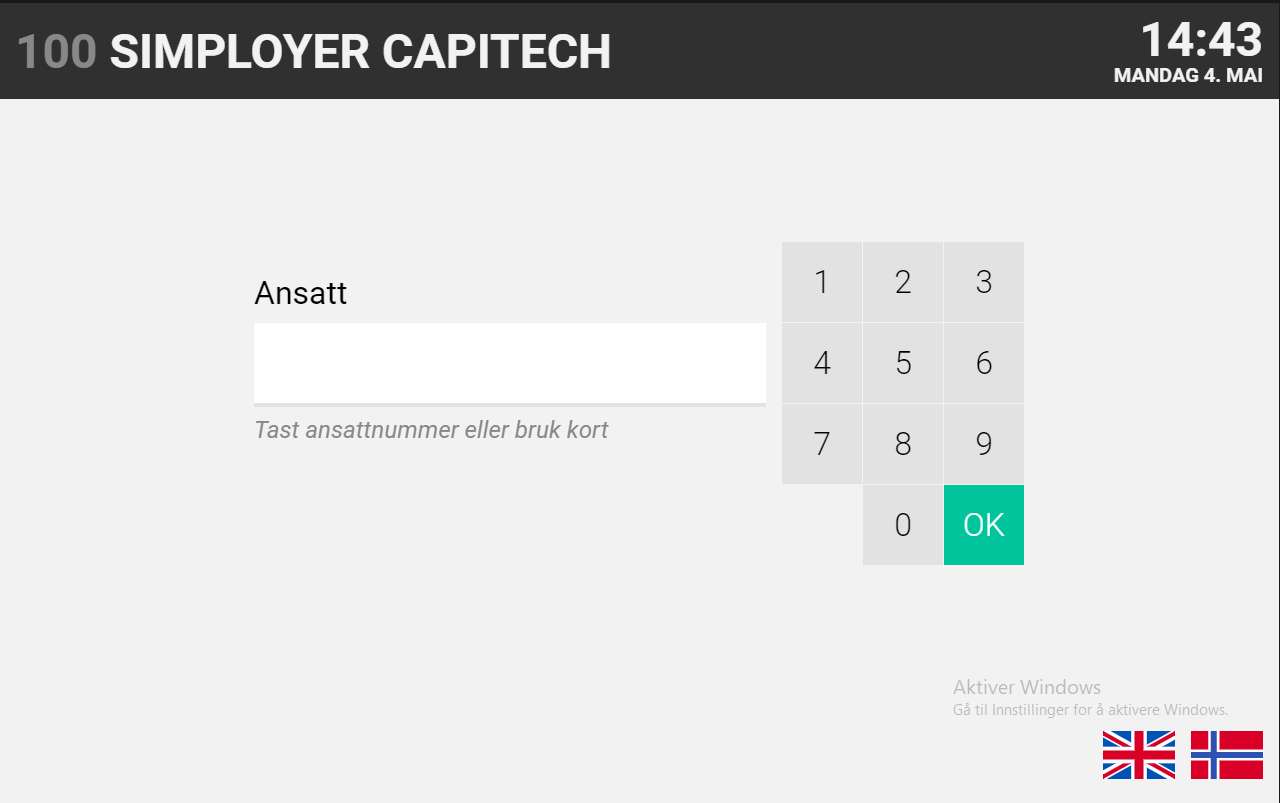
A Touch terminal is a touchscreen terminal used for time registration.
You can use the terminal to:
- clock in
- clock out
- change department, task, duty, or project
- read and confirm messages from your manager
You can identify yourself using your employee number, RFID card, or RFID tag.
The terminal requires power and an internet connection. If network problems occur, the terminal has offline functionality.
How to clock in
- Enter your employee number, or swipe your card or tag.
- Select the correct department and, if applicable, a task, duty, or project.
- Select In.
The different dimensions may be suggested based on the operational plan or your previous registrations, so you do not have to enter them manually each time.
How to clock out
- Enter your employee number, or swipe your card or tag.
- Select Out.
How to change department, task, duty, or project
If you are continuing your working day but need to work in a different department or on a different task, duty, or project, you can change this on the terminal.
- Enter your employee number, or swipe your card or tag.
- Select a new department.
- Select a new task.
- Select a new duty.
- Select a new project.
- Select Inn.
When you clock in with the new selections, you are automatically clocked out of your previous registration.
If you forget to clock in or out
If you forget to clock in or out, contact your manager.
Your manager can help ensure that your hours are registered correctly in Capitech.