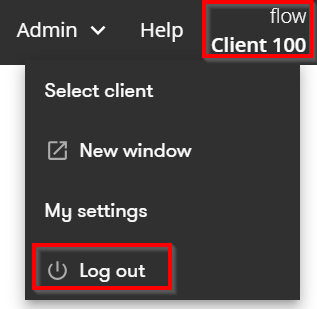
Client menu in Flow
In the client menu in the top-right corner of Capitech Flow, you can switch clients, open Flow in a new window, and log out.
Where can I find the client menu?
You can find the client menu in the top-right corner of Capitech Flow.
Switch clients in Flow
If you have access to multiple clients in Capitech Flow, you can switch between them.
How to do it:
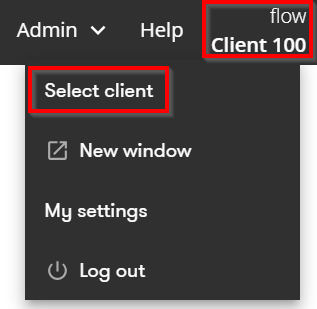
- Click Client in the top-right corner of Flow.
- Click Select client.
- Select the correct client from the drop-down menu.
Open Flow in a new window
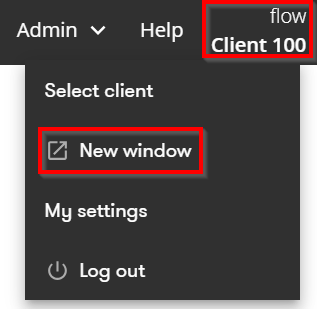
You can open Capitech Flow in a new browser window from the client menu.
How to do it:
- Click Client in the top-right corner of Flow.
- Click New window.
The page you are currently viewing opens in a new browser window.
Log out of Flow
How to log out of Capitech Flow:
- Click Client in the top-right corner of Flow.
- Select Log out.