
Postal codes and postal locations
You can create and manage postal locations and postal codes under Admin > System Register > Postal place. Currently, only Norwegian postal codes are registered in the system.
Create a postal location
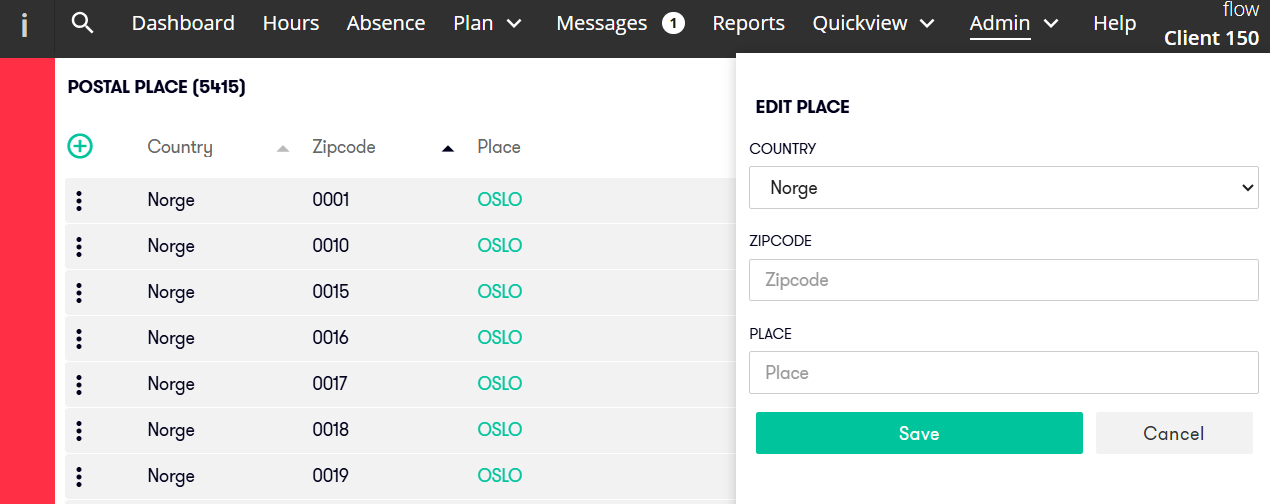
Click the plus icon in the upper-left corner to create a new postal location.
Fill in the fields for Country, Zip code and place.
Click Save.
Edit a postal location
Click the name to open and edit the postal location.
Delete a postal location
You can only delete a postal location if it is not in use for any employees.
To delete it, click the three dots on the left, then click the trash icon.